Look At The Computer
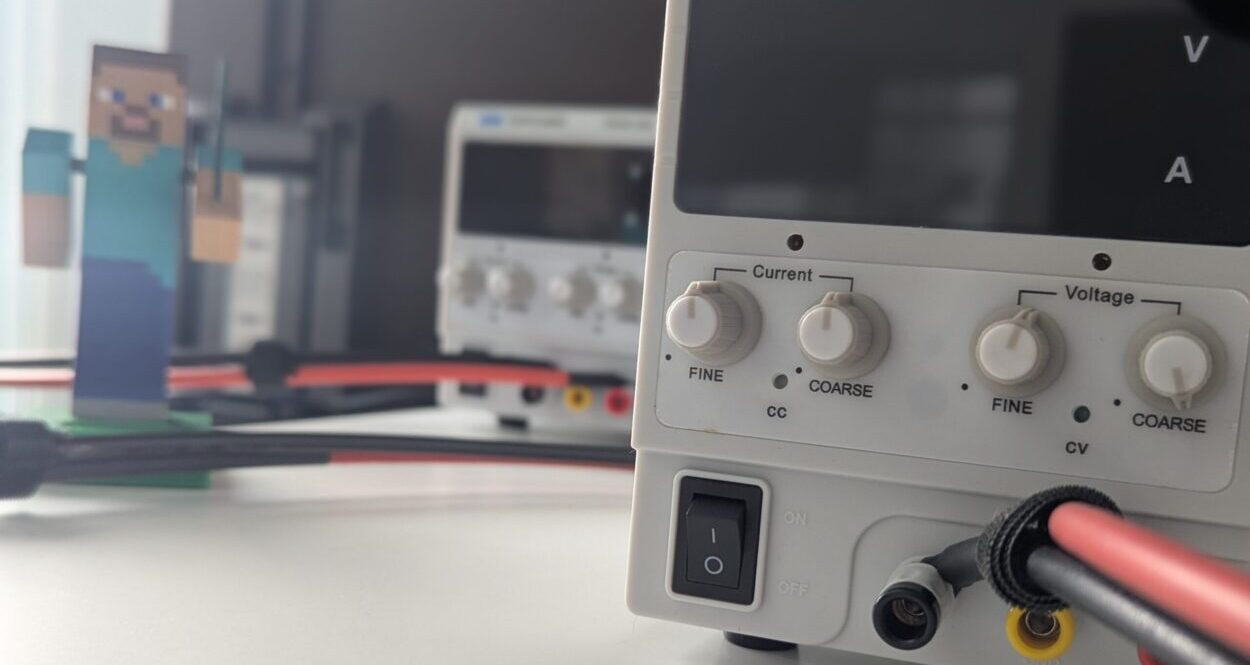
Recently I went to campus so that I could do some testing of the SunBlock Core mod. We want to test how the solar tools respond to fluctuations in solar power, but since it’s March in Canada and we have a snow storm every other day we aren’t running on solar power- we’re faking it with a power supply. If we set the PSU to give us about 15v and ~3A then we’re able to maintain a nice and consistent charge on our battery while still running the Minecraft server in performance mode non-stop. But if we’re testing the dynamic response of our tools then we don’t want a nice and consistent stream of power, we want change. So I went down to campus to twiddle some knobs on the PSU while testing out the mod by playing Minecraft on my laptop.
Only, I forgot my laptop charger.
I went to campus to play with power that plays with power but I couldn’t play because I had no power. A portable computer sure goes from being an incredible piece of technology to an awful nuisance pretty fast in the right circumstance.

Working on the SunBlock project has created a strange kind of schism in how I “Look At The Computer” these days. There are just so many computers to Look At. When the dedicated Tech Guys on our research team graduated and moved out of the city, I became kind of a surrogate. There are two kinds of tech I needed to become familiar with very quickly- the software side of things (the server instance, the mods we use, etc) and the hardware side of things (the mini-PCs, the batteries, the solar panels, the cables).

My work on the software side looks like erasing “0.6” and typing in “0.8”, and then clicking a button and waiting for new and different words to appear. I zip and I extract. I upload and download. My tools are Visual Studio Code, 7zip, and WinSCP. Sometimes I make a mistake, but I’m able to fix it from home in the middle of the night. I am being very careful to not misclick and erase something important.
On the hardware side my work looks like swapping around bulky red and black cables. I wipe snow off the solar panels when it isn’t too cold to be let onto the roof. My tools are a screwdriver and wire strippers. I am being very careful to not let cables touch and spark. I am being very careful to not break or burn anything. I am finally starting to wrap my head around the difference between watts, volts, and amps, but please don’t test me on it yet.
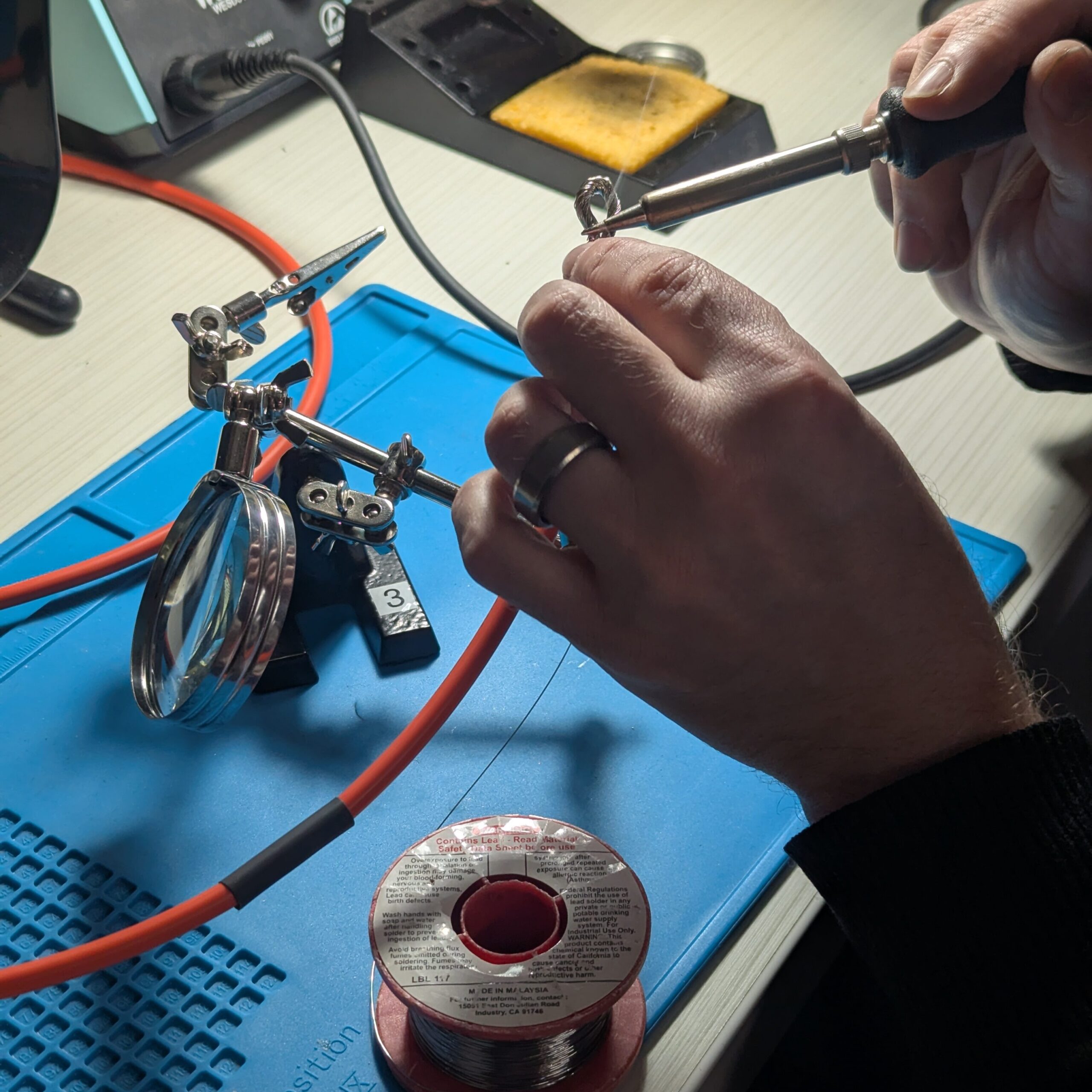
There is a kind of whiplash I’m experiencing around whether or not I’m in the correct place to do the correct work. To check on or make any adjustments to the solar set-up or the server itself I need to travel 30-40 minutes downtown. I need to use my ID card to unlock a room in the Milieux institute. Sometimes the room is being used for an event and I can’t access all our equipment and I have to wait around until it’s over so I can go fiddle with wires in the window. Sometimes this means I’ll linger downtown for longer than intended. Hardware work, obviously, must be done on-site. I Go to the Computer.
If I want to play on the server then I want to be at home, using the desktop PC. My laptop is sufficient for simply playing the game but that’s never all that I do. At home, on my second monitor, I have the server console (AMP, the portal through which the Minecraft instance that everyone connects to is managed), I have the SunBlock Status site, I have OBS (screen recording software), I have Discord, VS Code, as well as a dozen reddit threads and githubs and wikis. It’s almost physically uncomfortable to work with the single application that my laptop limits me to. At home I have my clackity mechanical keyboard and my serious Gamer Mouse with extra buttons that I have diligently hot-keyed. For me, software work must be done from home. The Computer comes to me.
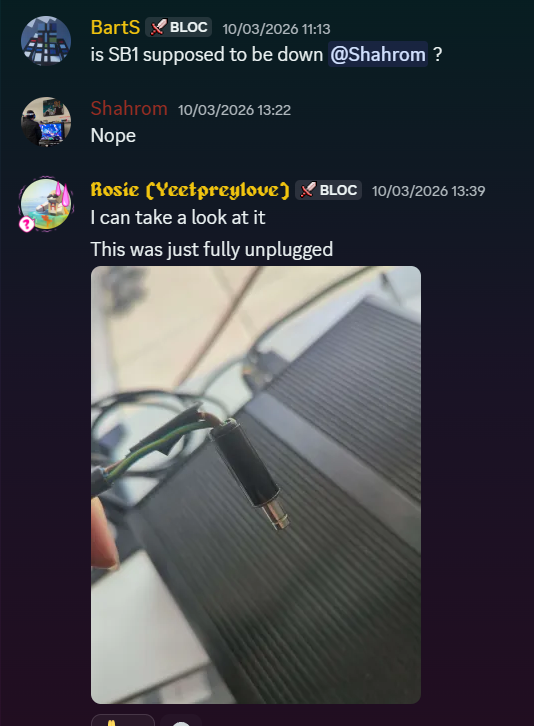
There are just, unfortunately, so many different kinds of problems. If I can’t connect to SunBlock or AMP I wonder how physical the problem is. How tangible it is. Is there an unplugged wire? Did the wind storm carry away a solar panel? Or is everything running perfectly, but being connected to university wi-fi means trouble connecting to the server? Where in space do I need to put my body in order to troubleshoot any particular problem? Do I go to campus for the wires, or stay at home for the code?
There are so many different connections. Is the server connected to the battery? To the controller? To the panels? To the power supply? To the internet? Am I connected to the internet? Can I connect to the server? Are the Minecraft authentication servers down? Do I have the right password, the right IP address, the right port, the right account, the right profile, the right amperage, the right solder, the right room?
I played Minecraft for the first time in January 2021, when I joined the Video Games and/as Theory: Minecraft and Modernity class during my undergraduate degree. This was during the height of the COVID-19 pandemic and school was completely remote- a class taking place online made perfect sense, even if the platform was a bit unconventional. That winter was all lockdowns and curfews— we were isolated at home but Looking At The Computer together. This is how I first connected with the Minecraft Bloc, and ultimately led to me joining the team.
I have a lot of criticisms of Minecraft, but I love how it functions as a virtual third space. People, especially youth, access shared spaces and spend time together. Most players build a “base” (or several)- a dedicated spot to keep all your items and your respawn point and your farms and your enchanting table and such. What SunBlock drives home is that those virtual spaces aren’t untethered and ethereal, they aren’t on a cloud— they are on a machine that probably has a person come around and push buttons sometimes. SunBlock reminds players that the virtual world hosted has a material existence- it is in a very particular place at a very particular time. The in-game SunBlock HUD displays the time in Montreal, the battery’s status, and how much energy is being demanded by the players’ activities. No matter where in the world players are, they’re Looking At Our Computer.
One Response
[…] for players. Being able to account for each component of the circuit is part of the process and as Rosie McDonald has already described so well, we end up doing more messing with electrical wiring than most game developers might see in their […]
Comments are closed.